

For musicians who use Planning Center
Ministry Margin Charts
Your charts and audio, together on iPad.
Practice with the music in your Planning Center Services account. Charts is a personal subscription, so your church doesn't need to buy another app for the whole team.
Available now on the App Store
Get Charts on the App StoreBuilt for iPad. Requires iPadOS 26 or later.
Start with your plan
You already know where Sunday's music lives.
Sign in with your Planning Center Services account and open a plan you're scheduled for. The service order, songs, and files your church has prepared are there on your iPad.
Open a song, choose its chart, and start practicing. When rehearsal or the service begins, follow the order and swipe from one chart to the next.

Work on your part
Listen while you read.
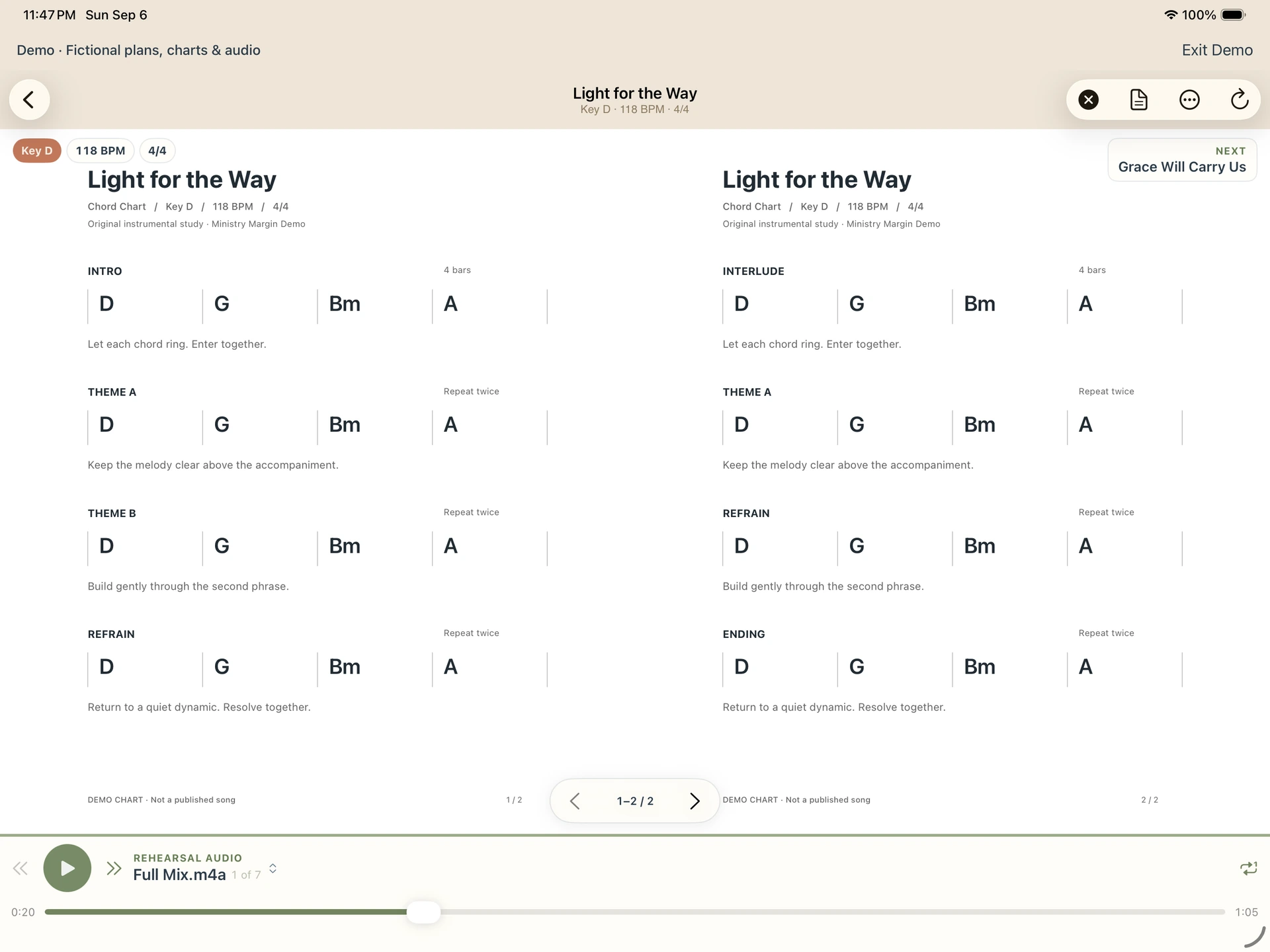
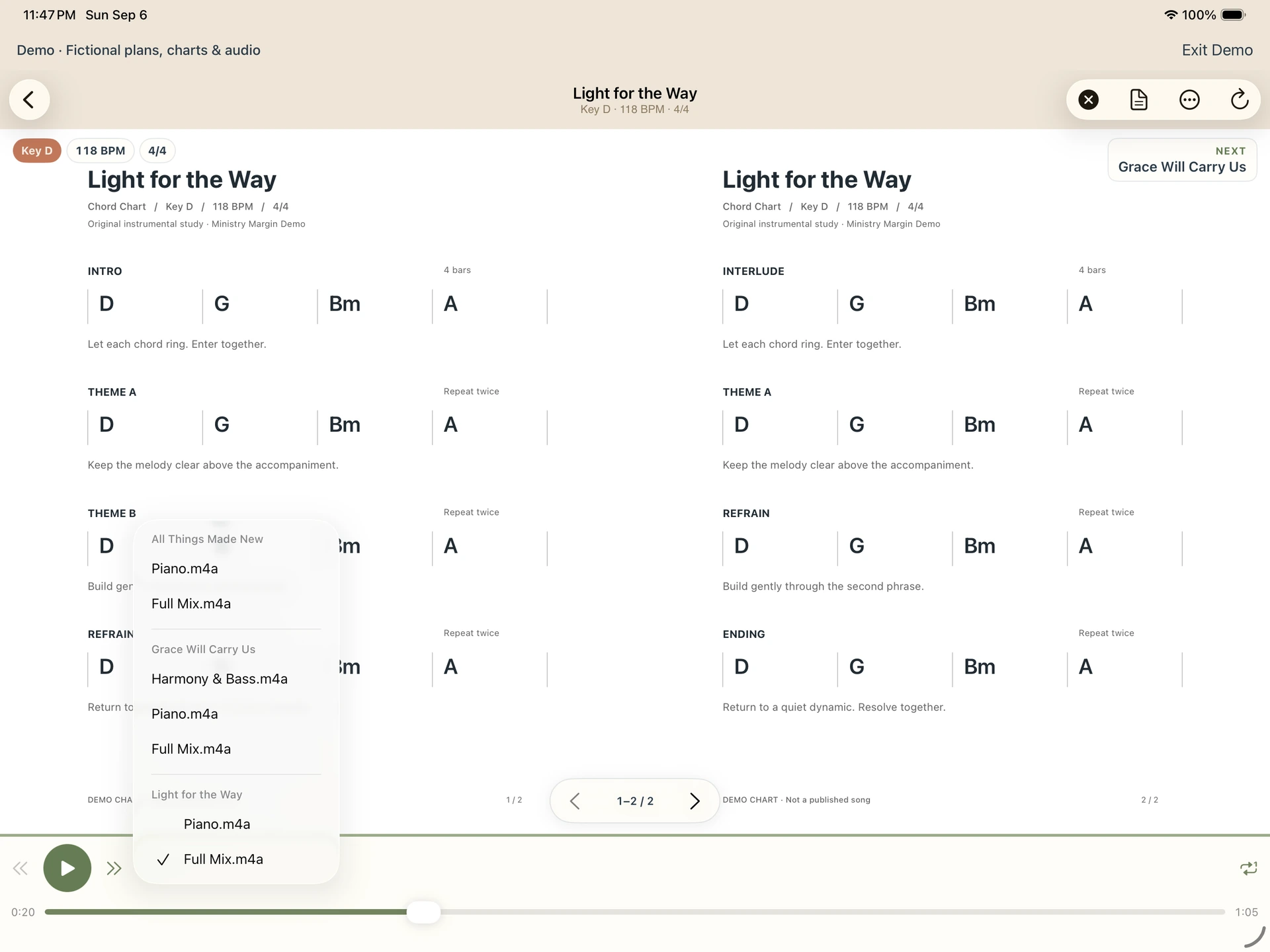
Keep the chart open while you listen. Choose a recording, skip to the part you're working on, or put the recording on repeat while you practice.
Download your PDF charts to read offline. Recordings stream while you listen, so you'll need an internet connection for audio.
Beyond this week
Practice a song before it's on the plan.
Maybe it's a song you haven't played in a while, or one you want to learn before you're scheduled. You don't have to wait for it to appear in this week's service.
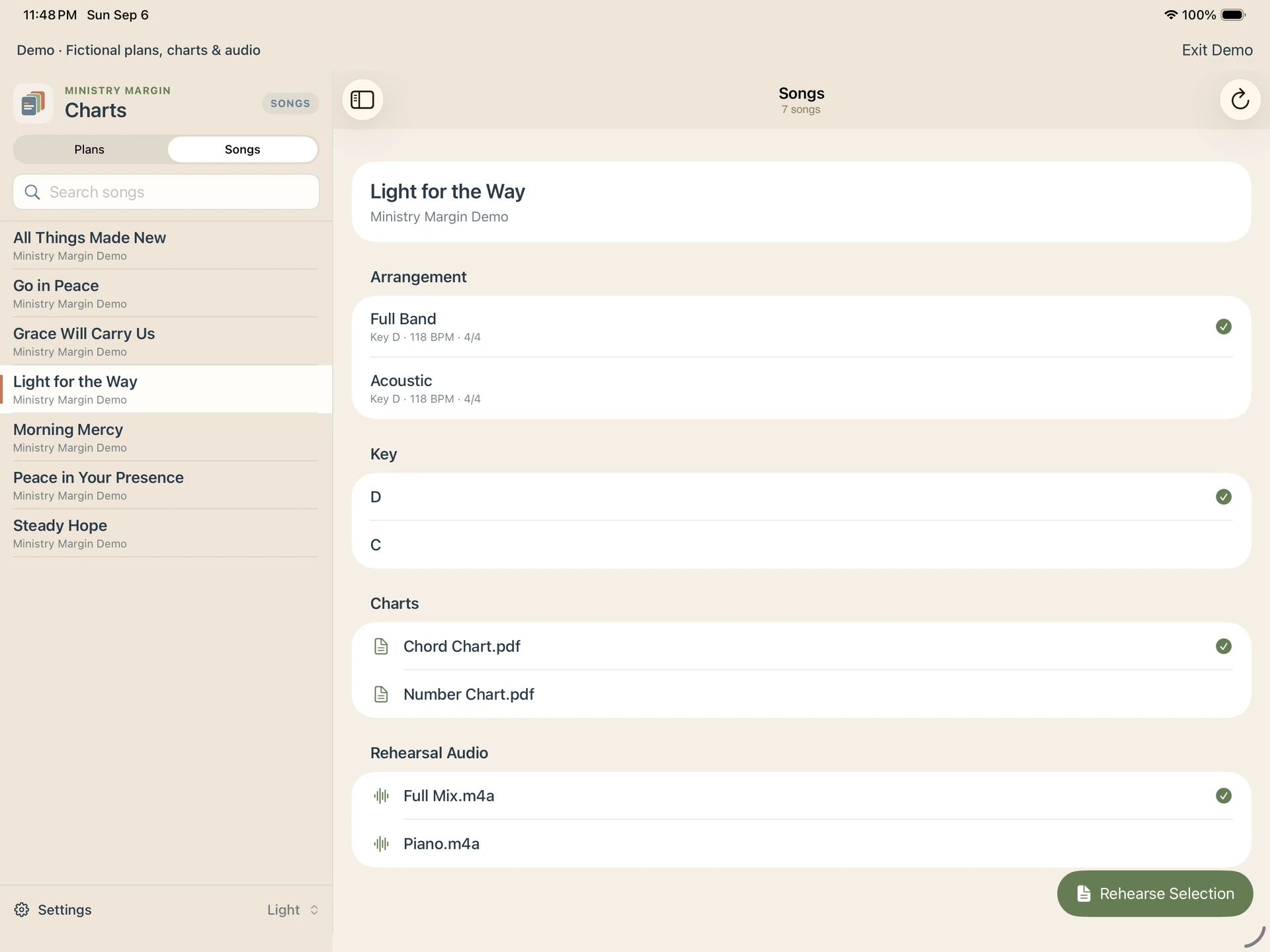
Browse your Planning Center song library, choose an arrangement and key, then open the chart and recording you need.
At rehearsal and during the service
Keep the music in front of you.
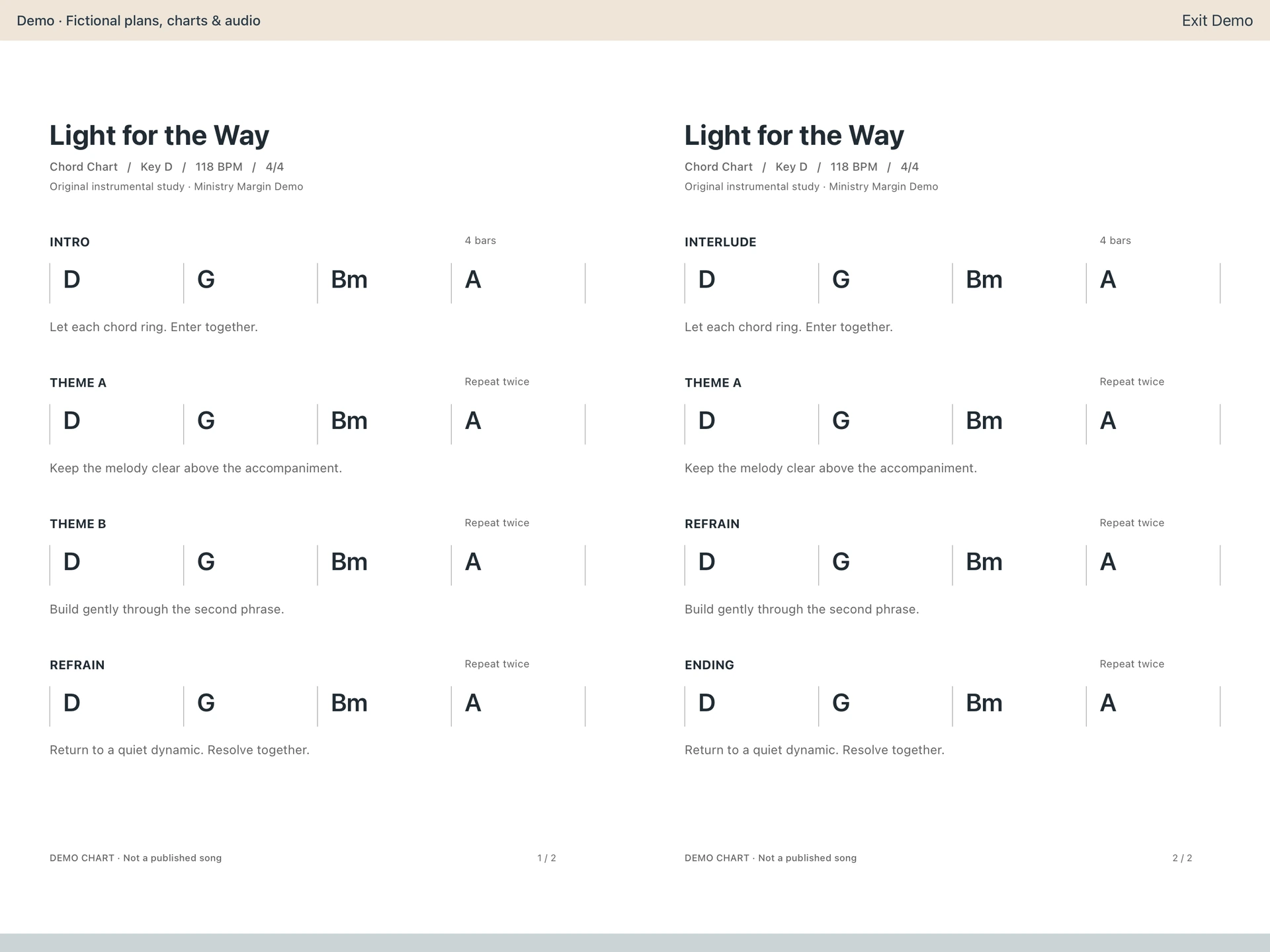
Swipe from page to page. In a wide window, you can read two pages side by side. Choose light or dark mode to suit where you're playing.
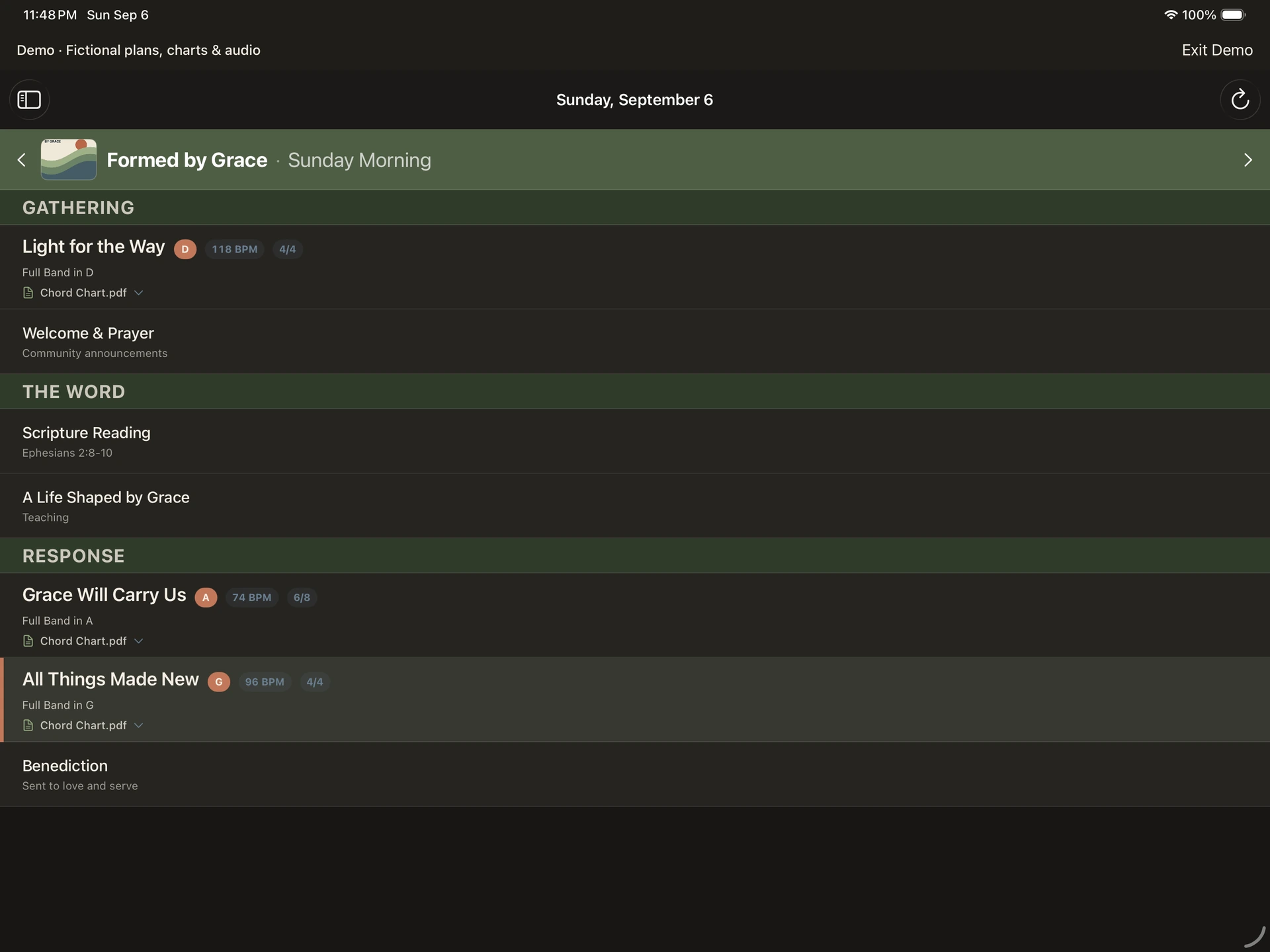
Dark mode for a dimly lit stage.
Keep the service order readable without a bright screen in front of you.
Your account. Your music.
Planning Center stays in place.
Charts connects directly to Planning Center. It opens the plans and files your Services account can access without changing your church's information.
Your Planning Center sign-in and church files don't pass through a Ministry Margin server. Downloaded charts are kept in protected storage on your iPad.
Read the privacy policyA subscription for you
Your church doesn't need to buy it for everyone.
Choose a monthly or annual subscription. Both give you the full app, using the Planning Center Services account you already have.
Want to look around first? Explore Demo includes sample plans, charts, and recordings. You don't need to sign in or buy anything.
- Monthly
- US$3.99 per month
- Annual
- US$29.99 per year
Eligible new subscribers get a free seven-day trial.
Prices shown are in US dollars. Check the App Store for pricing in your country.
Your subscription renews automatically unless you cancel it in your Apple Account settings.
Available now on the App Store
Charts questions
Before you get started.
Does my church need to purchase Charts?
No. You can subscribe on your own and sign in with your Planning Center Services account. Your church doesn't need to buy Charts for the team.
Can I use Charts without Planning Center?
You can try Explore Demo without an account or purchase. To open your church's plans and music, you'll need a subscription and a Planning Center Services account with access to them.
Can I use it offline?
You can read charts you've already downloaded without an internet connection. You'll need to be online to sign in, get updated plans and files, or listen to recordings.
Does Charts include music or licenses?
No. You bring the music through your Planning Center account. Charts doesn't include a music catalog or replace any licenses or subscriptions your church needs for those files.
Can I write notes on a chart?
No. Charts doesn't support annotations.
Which devices can I use?
An iPad running iPadOS 26 or later.
Ministry Margin Charts
Bring your music to rehearsal.
Your scheduled plans, PDF charts, and rehearsal recordings on iPad.
Available now on the App Store
Get Charts on the App Store